VEEGO
A vehicle marketplace I helped build as part of a team, contributing interface design and frontend development.
- Role
- UI designFrontend development
- Year
- 2024
- Type
- Team project
- Website
- veego.eeOpens in a new tab


My role in the team
My work combined interface design with frontend development across much of the platform. VEEGO was a team effort; the views here show the product we built together.
Find a vehicle
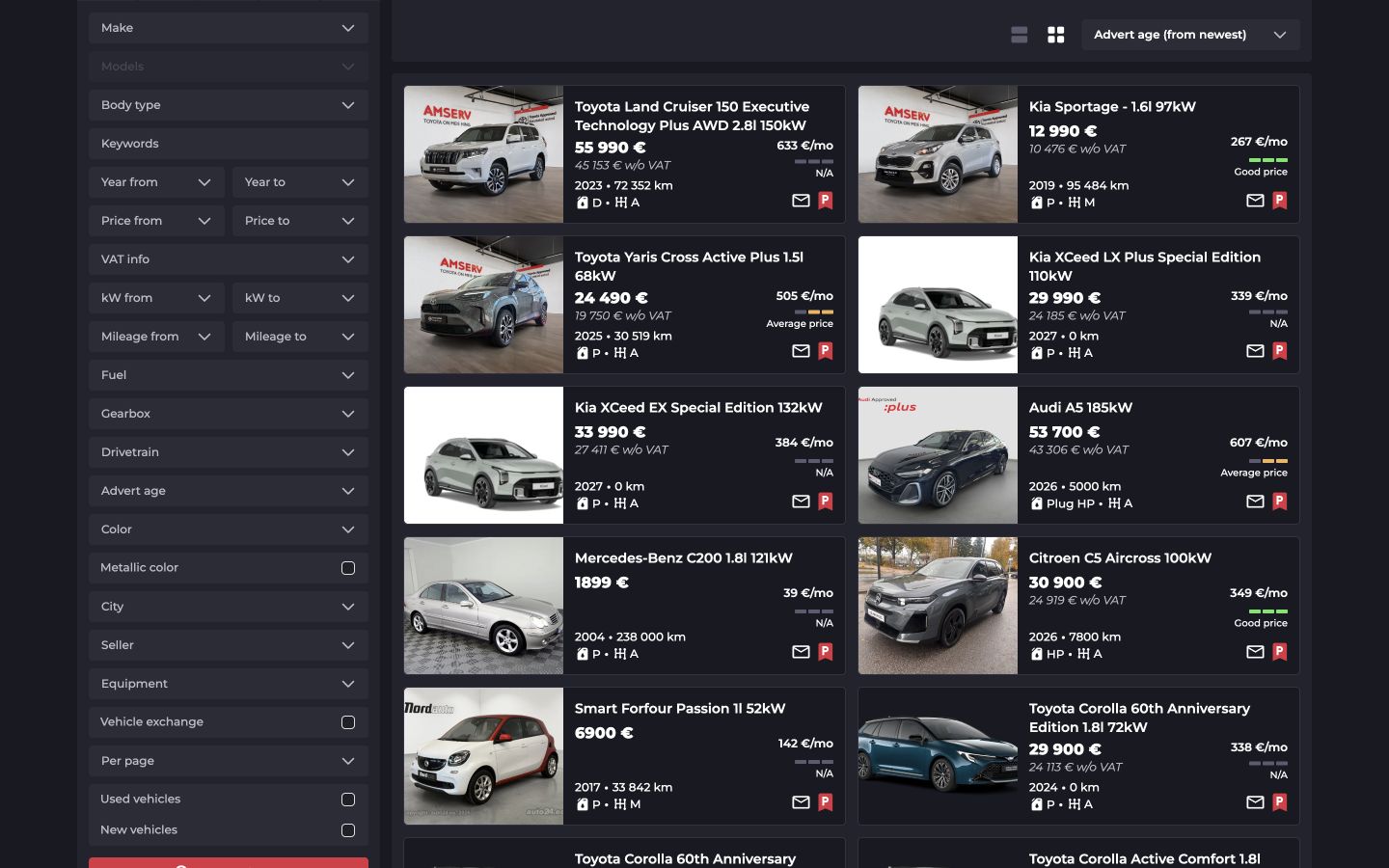
Filters narrow the selection. Consistent listing cards make offers easier to compare.
Look closer
Photos give a first impression; the price, specifications and equipment add context.
Pick up later
Saved searches, parked vehicles and messages come together in the account area.
A broad choice, a clear overview
Search centres on filters and the listing grid beside them. Visitors can refine makes, price ranges and other criteria in the same view as the results.
Photos, prices, year and mileage follow the same order on each card, helping visitors compare offers before opening the details.
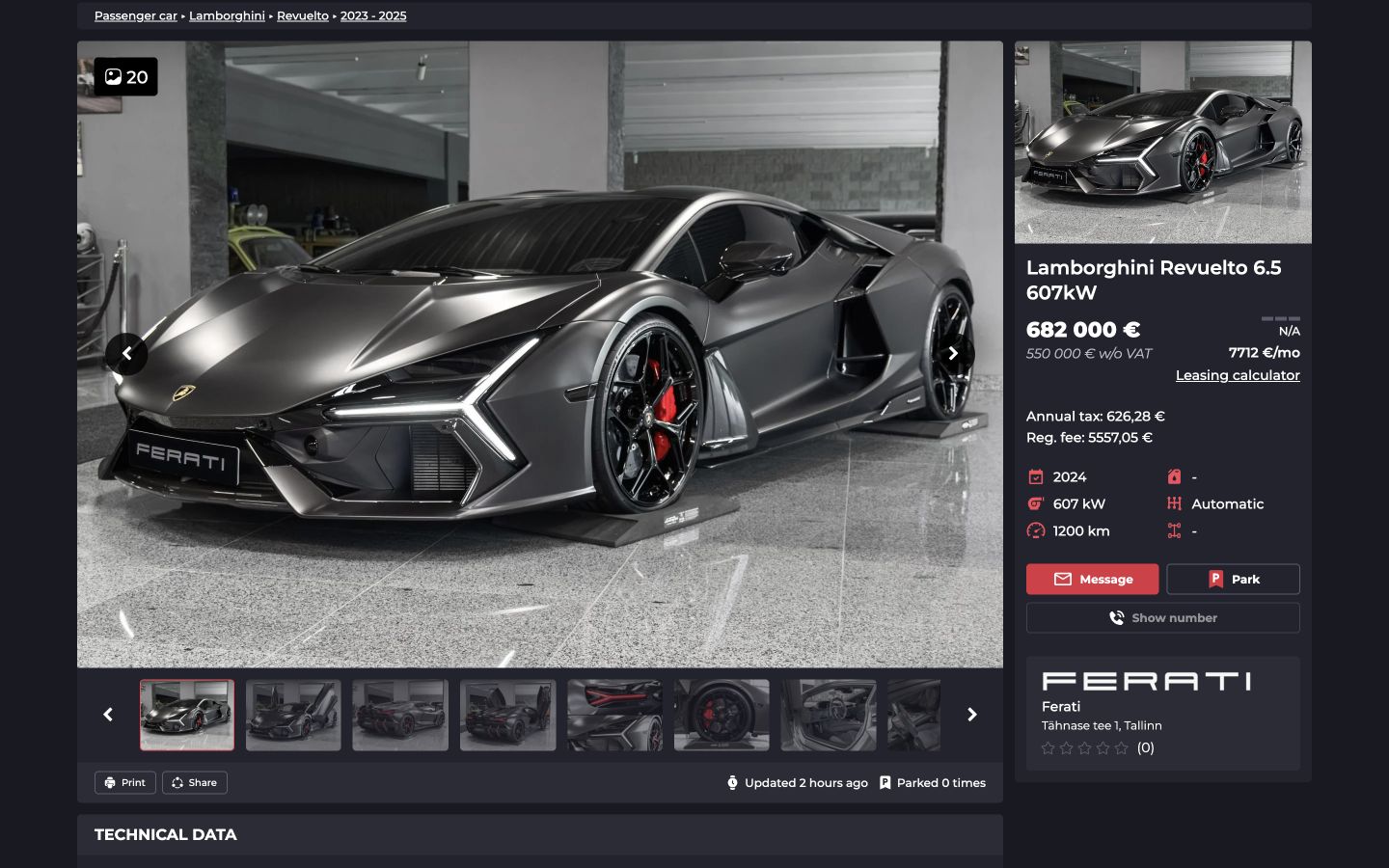
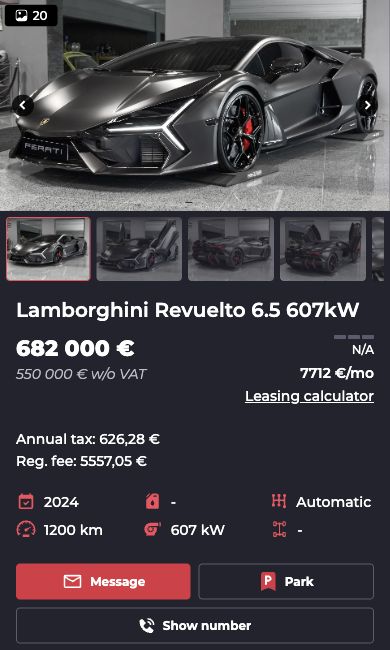
One listing, two screen sizes
On desktop, the gallery and vehicle summary sit side by side. On mobile, the same content becomes a single column: photos, then price, key details and ways to contact the seller.
Specifications, equipment and the seller’s description continue below in separate sections.
From an offer to the next step
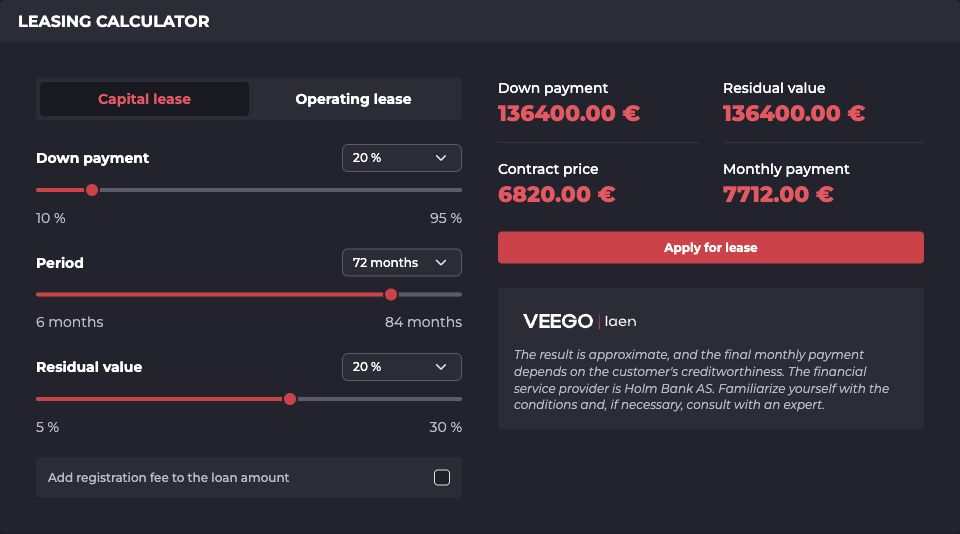
Considering a purchase goes beyond opening a listing. The calculator lets buyers explore terms, while the account area keeps what they want to return to.
Exploring financing
Down payment, term and residual value sit beside the monthly estimate, keeping the inputs and their result visible together.
Returning to a shortlist
Account shortcuts lead to saved searches, parked vehicles and messages. Adding a new vehicle starts here too.
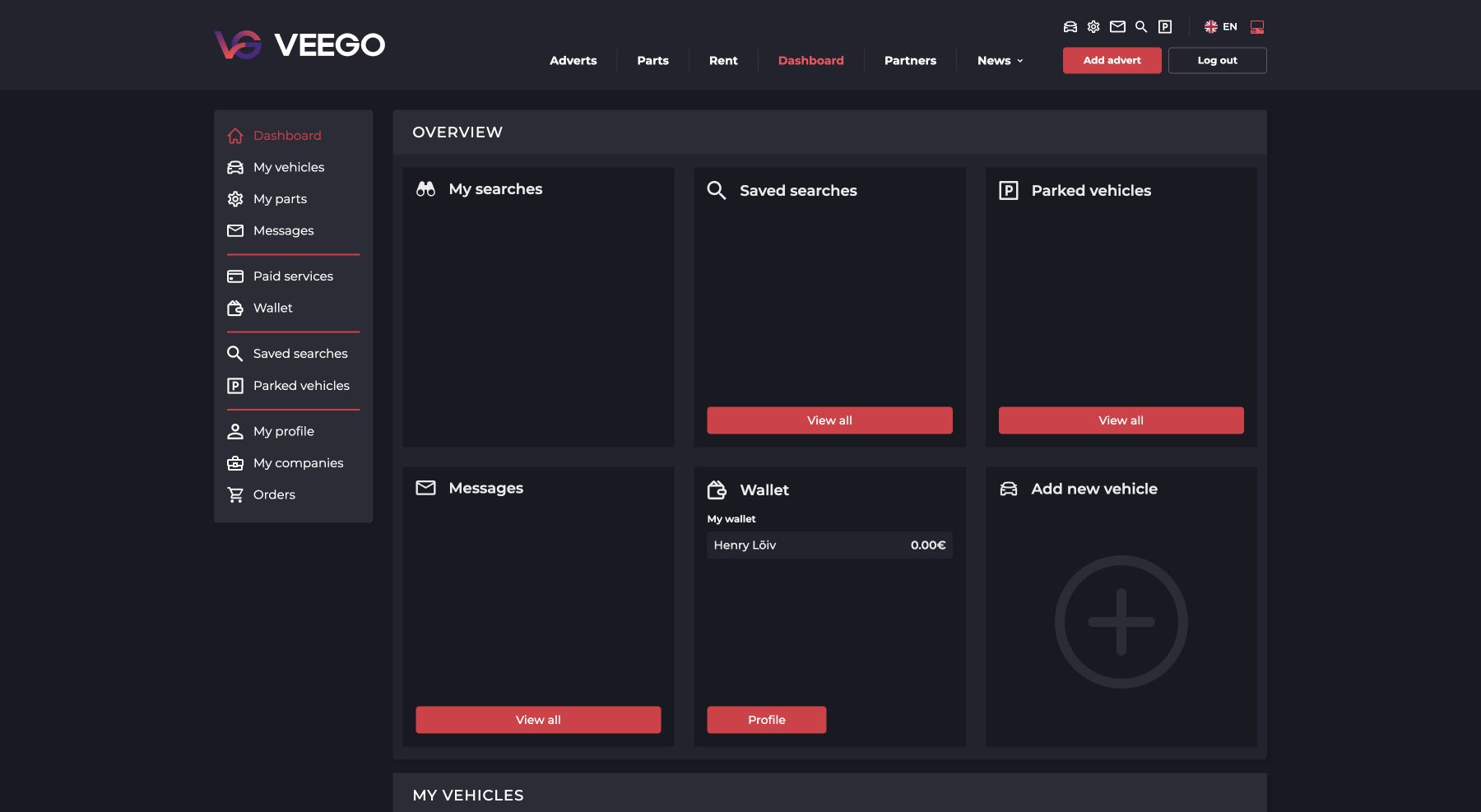
Screenshots from the working VEEGO website, October 2026, showing the platform as it is today. Select any image to open it at full size in a new tab.
Other projects
All projects
