Imagine receiving a project update that sounds reassuring. The wording is smooth, the paragraphs are tidy, and everything appears to be moving forward.
After reading it, you still cannot tell what is finished, what is broken, or whether the work can be released. You have to ask again.
That is the part of the AI slop discussion that interests me most: the work a piece of content leaves for the person receiving it.
AI can make content cheap to produce while leaving it expensive to read, check or use.
What does AI slop mean?
AI slop is low-quality content generated with artificial intelligence, often in large quantities. That is the central idea in Merriam-Webster's definition of slop.
The term is a criticism of the result. It is not a precise technical category. An AI-assisted explanation can be accurate and useful; a mass-produced page can be fluent and offer almost nothing.
The boundary is disputed. A research preprint submitted in October 2026, examining discussions in selected Reddit communities, found disagreements over what makes AI content acceptable or deserving of the slop label. That describes those discussions, rather than establishing a universal quality test.
For practical purposes, I would look at what the content contributes and whether someone has taken responsibility for it. Here are some illustrative examples:
| Content | Where the value disappears |
|---|---|
| An answer to a simple question | Several paragraphs repeat the question without giving the answer. |
| A product review | It sounds authoritative but supplies no evidence that anyone used the product. |
| A social post | It borrows the shape of an insight while leaving out any observation or experience. |
| A project update | It reports progress without identifying what changed or what remains unresolved. |
| A generated interface | It looks complete, but its important actions lead nowhere. |
These are problems you can inspect. A favourite font, a particular punctuation mark or a familiar sentence opening is a much weaker basis for judging the work.
Why the appearance can be misleading
Visual quality, usefulness and truthfulness are separate questions.
A deliberately absurd generated animation might succeed as entertainment. It does not need to be a documentary. A realistic image presented as evidence of an event has a different responsibility. A product tutorial needs to help someone complete the task it promises.
Recent discussion has started questioning whether the familiar idea of visibly bad AI imagery captures the whole issue. In a September 2026 Creative Bloq essay, Tom May describes enjoying a fan film before learning that its actors and imagery were generated. His account raises questions about presentation and authenticity that cannot be settled by spotting visual defects.
For a website, I would ask whether the content is specific, whether the controls work and whether the page helps its intended visitor. A green gradient or a minimalist layout answers none of those questions by itself. For a concrete design example, see why AI websites often look the same.
The same applies to writing. Removing stock phrases can improve the voice. It cannot provide a missing observation, verify a claim or decide what the reader needs to know.
The same facts, two status updates
Consider a fictional project with four known facts: the contact-form labels have been added; invalid email addresses are still accepted; the page has horizontal overflow at a width of 320 pixels; release is waiting for those two problems to be fixed.
Here are two original examples written with AI assistance from those same facts.
A vague update
Field labels are now in place, and the contact form is taking shape. There are a couple of details around input handling and small-screen layouts to work through. Once those final refinements are complete, we'll be ready to move forward with release.
A clear update
Done: contact-form labels have been added.
Two release blockers: invalid email addresses are still accepted, and the page overflows horizontally at a width of 320 px.
Next: fix both issues, then recheck email validation and the narrow layout before release.
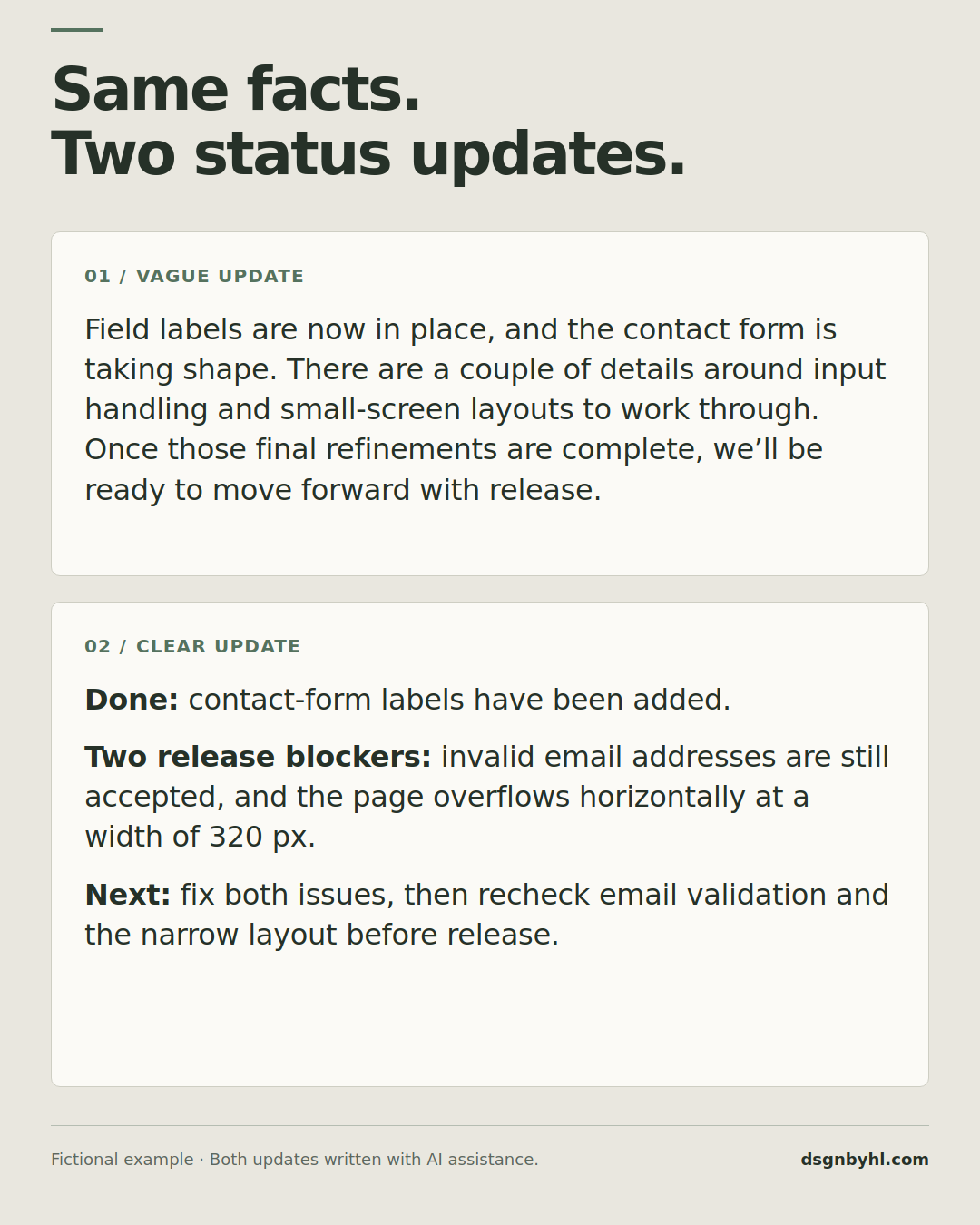
Both texts are illustrative examples created with AI assistance. They are not reports from a real project or results of a model experiment.
The first version does not claim that everything works. Its weakness is what it leaves unclear: the two known defects become “details” and “refinements.” The recipient has to find out what those words conceal.
The second version gives the reader enough information to understand the release decision. It uses roughly the same amount of space. Both use AI; the useful difference is what they communicate.
The project example also has a limit. It supplies no owner or deadline, because neither was provided. Making up a person's name or promising a release tomorrow would create false precision. A useful assistant should flag missing information when it matters.
The cost lands on someone else
Generating a plausible answer and establishing that it is correct are different pieces of work. If the sender skips the second, the recipient may inherit it.
There is a concrete example in software maintenance. In January 2026, curl creator Daniel Stenberg announced the end of the project's monetary bug-bounty programme. He described AI slop reports, declining report quality and adversarial behaviour consuming maintainers' time and energy.
The later development matters too. In April's follow-up, Stenberg reported substantially better submissions after changes to the reporting process, while their volume still created work. His account is a reason to distinguish useful contributions from unverified noise, rather than dismiss every report that may involve AI.
In an office, the pattern can be simpler: someone turns a few notes into a long document, sends it, and the recipient uses another assistant to reduce it back to a few notes. If no information was added, the extra prose has given both people another thing to process.
That is why I would judge the benefit across the whole exchange. How much work did the output save the person who had to use it?
What does Google say about AI content?
Google's policy does not make AI involvement by itself the deciding factor.
Its scaled content abuse policy targets many pages created primarily to manipulate rankings while offering little value, regardless of how they were produced. Generating pages with AI without adding value is one of its examples. Policy violations can result in lower rankings or removal from results.
Google's helpful-content guidance asks whether a page adds original information or analysis and helps its intended audience achieve a goal. It also makes clear that crediting sources does not replace original effort.
For a publisher, a useful next question is: what does this page contribute that a reader would miss if it disappeared?
The answer might be an original example, a working demonstration, a careful comparison, a local explanation or an observation from doing the work. It does not have to be a groundbreaking discovery. It should give someone a reason to choose this page.
That is also why a pile of references is insufficient on its own. Open the source, check that it supports the nearby statement, and explain what follows from it. A link can identify where a claim came from; the reader still needs an accurate account of what it says.
How to avoid producing AI slop
Start with the information you actually have
Give the assistant the relevant notes, constraints, audience and purpose. Separate confirmed facts from questions. If the material is incomplete, ask it to identify the gaps before turning them into confident prose.
For a status update, that could mean a few factual bullets. For an article, it might be source material and your own observation. For a website, it includes the real services, assets and actions the page needs to support.
Decide what the recipient should be able to do
Name the result you want: understand a decision, compare two options, reproduce a finding or complete an action.
Then inspect the output against that result. The question “Does this sound professional?” is too easy to satisfy while leaving the important work undone.
Review the claims and the behaviour
If you publish a fact, follow its source. If you describe a test, make sure it was actually performed. If you deliver an interface, try its important controls and states.
Review should match the claim. A screenshot can demonstrate how a layout looks at one size. It cannot establish that a form sends messages or that customers prefer the design.
Edit for information, then for voice
Cut repetition, but also look for missing decisions. Replace vague progress language with the actual state of the work. Keep uncertainty when the evidence is uncertain.
Writing can be warm, funny or expressive while doing this. The aim is to make the meaning dependable, without forcing every person into the same terse template.
Publish what you can stand behind
If a reader asks where a claim came from, why a design works that way or what remains unfinished, you should be able to answer.
That responsibility stays with the person sharing the result. An assistant can help produce and review it; the final document, website or message still enters someone else's day under your name.
What makes you call something slop?
I want AI to help with the parts of work that are repetitive, difficult or slow. I also want the result to deserve the attention it asks for.
Sometimes that means a shorter update. Sometimes it means a richer explanation, a playful visual or a more ambitious interface. Length and style depend on the purpose. The useful standard is whether the work gives the next person something they can understand, trust or use.
What makes you call something AI slop: the style, the missing information, the mistakes, or the feeling that nobody checked it?
Putting AI to work on your website?
Choosing a model is one part of a working feature. If your business needs a support assistant, content workflow or connection to an existing system, I can help define and build the interface, integrations and checks it needs.
